What is tabletop
tabletop is the AI studio for game makers. You use it to make game assets: characters, props, sprites, textures and animations.
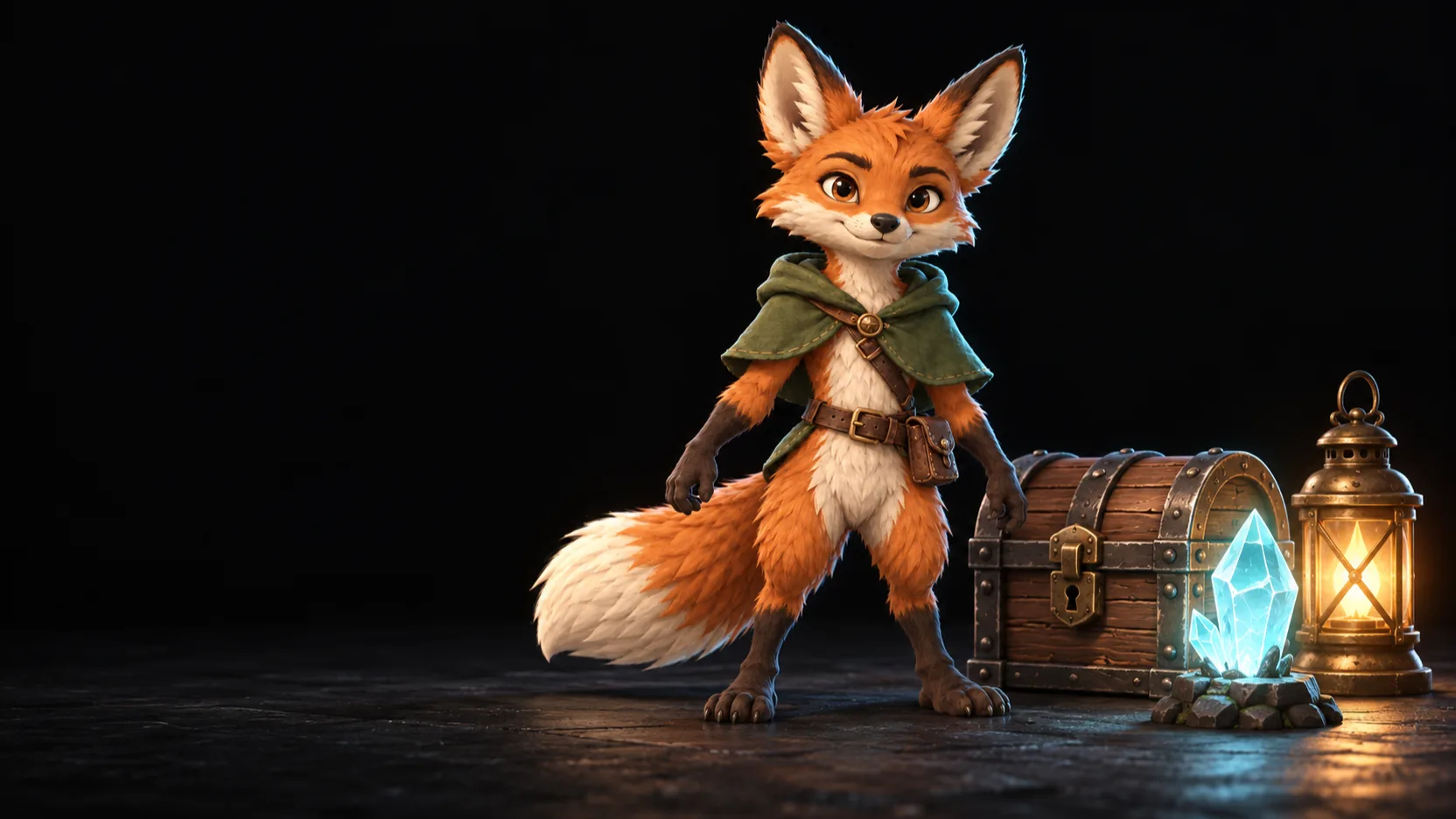
How it works
You build a workflow on a canvas. A workflow is a set of nodes with links between them.
- Each node does one task, such as “make an image from a prompt” or “make a 3D model from an image”.
- A link sends the result of one node to the next node.
- When you select nodes and click Run, the selected nodes run in order. You see each result on its node.
For example, this workflow makes an animated character:
| Step | Node | Result |
|---|---|---|
| 1 | Generate Image | A concept image of the character |
| 2 | Generate Model | A 3D model from the image |
| 3 | Texture Model | The model with painted textures |
| 4 | Rig Model | The model with a skeleton |
| 5 | Retarget Animation | The model with an animation |
getting-started/what-is-tabletop-workflowWhat you can make
| Asset | Nodes to start with |
|---|---|
| Concept art and images | Generate Image |
| 3D models and props | Generate Model, Texture Model, Convert Model |
| Rigged and animated characters | Rig Model, Retarget Animation |
| 2D sprites for a game engine | Generate Sprite (Image), Generate Sprite (Video), Export Sprite |
| Text, such as prompts and descriptions | Generate Text |
See every node in Nodes.
The words that tabletop uses
| Word | Meaning |
|---|---|
| Node | A box on the canvas that does one task. |
| Link | A line from the output of one node to the input of another node. |
| Provider | The AI service that runs a node, such as OpenAI or Tripo. |
| Token | The unit that you pay with for AI nodes. |
| Library | The place where tabletop keeps all your results. |
| Org | Your team. An org shares its workflows, its library and its tokens. |
See all the words in the Glossary.
Next step
Last updated on